Category | CLOUD and AWS
Last Updated On 06/02/2026

Your application is running fine. Your servers are healthy. But users still complain they can’t reach your website.
Most of the time, the problem isn’t compute or storage, it’s DNS.
That’s where Amazon Route 53 comes in.
Amazon Route 53 is a highly available and scalable Route 53 DNS service that translates human-readable domain names into IP addresses. It works for AWS workloads, hybrid setups, and even non-AWS infrastructure. Built on a global anycast network, it delivers fast and reliable DNS responses from locations close to users.
In cloud architecture training sessions, DNS-related outages are consistently cited as one of the most common causes of “application downtime despite healthy infrastructure.” Route 53 is often introduced as the missing resilience layer rather than just a DNS service.
This blog explains what is Amazon Route 53, how it works, its core components, and why it is a critical building block for modern cloud and multi-region architectures.
TL;DR – Quick Overview of Amazon Route 53
| Topic | Summary |
| What it is | Managed DNS, routing, and health check service |
| Core role | Converts domain names to IP addresses reliably |
| Key strengths | Global availability, low latency, automation |
| Routing | Latency, failover, weighted, geolocation, more |
| Best use cases | Global apps, DR, hybrid cloud, multi-region |
At its core, the Route 53 DNS service acts as an authoritative DNS provider. When a user types a domain name into a browser, Route 53 responds with the correct IP address based on the records and routing rules you define.
Each hosted zone receives a delegation set of exactly four authoritative name servers. AWS distributes them across different top-level domains (.com, .net, .org, etc.), so even a TLD-level outage cannot take your domain offline.
Route 53 supports two main DNS models:
Public hosted zones – Used for internet-facing domains and applications
Private hosted zones – Used for internal DNS resolution inside one or more VPCs
Private hosted zones integrate tightly with VPC DNS settings, such as DNS resolution and DNS hostnames. This allows internal services to discover each other using simple names instead of IP addresses.
Because Amazon Route 53 operates on AWS’s global infrastructure, DNS queries are answered from the closest available location, reducing lookup time and improving user experience.
Understanding AWS Route 53 becomes easier when you break it into its main building blocks.
Hosted Zones and DNS Records
A hosted zone is where you manage DNS records for a domain. Within a hosted zone, you define records such as:
A and AAAA records for IPv4 and IPv6
CNAME records for aliasing
MX records for email routing
TXT records for verification and policies
Each hosted zone receives exactly four authoritative name servers. AWS spreads them across different top-level domains to protect against registry or TLD-level failures, adding another layer of DNS resilience.
Alias Records vs CNAMEs
While CNAME records are common in traditional DNS, Route 53 Alias records are preferred for AWS workloads. Alias records work at the zone apex (example.com), are free for AWS targets, and automatically track changing IP addresses of services like ELB or CloudFront. This removes manual maintenance and makes them the default choice for production architectures.
Resolver and Hybrid DNS
Route 53 Resolver handles recursive DNS queries inside VPCs. It allows workloads in AWS to resolve domain names both inside and outside the cloud.
With inbound and outbound resolver endpoints, AWS Route 53 supports hybrid DNS designs. On-prem systems can resolve AWS resources, and AWS workloads can resolve on-prem domains. This makes Amazon Route 53 suitable for phased cloud migrations and hybrid architectures.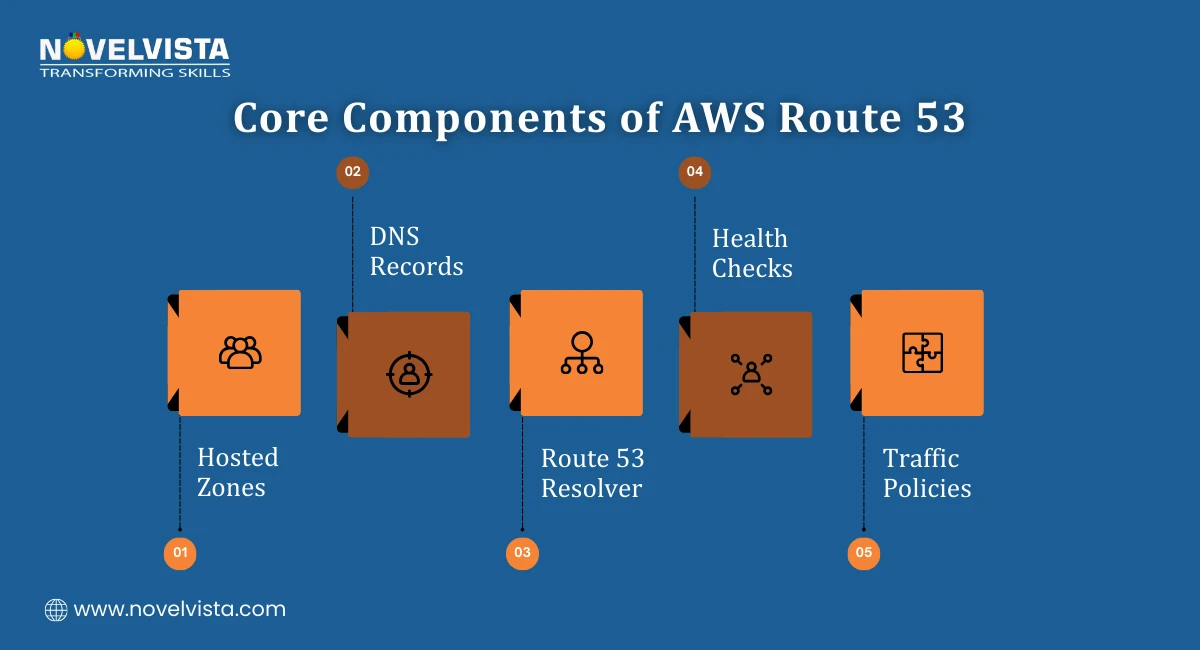
What sets Amazon Route 53 apart is that it does more than basic DNS resolution. Its capabilities are designed for real-world reliability and security needs.
Some key Route 53 features include:
Domain registration with automatic renewal and DNSSEC support
DNS Firewall to block access to known malicious domains
DNS over HTTPS (DoH) for improved privacy
Traffic Flow visual editor for routing policy design
From an operational standpoint, Route 53 functionalities integrate deeply with AWS services:
CloudWatch for monitoring and alarms
CloudTrail for audit logging
IAM for access control
AWS positions Route 53 as a foundational networking service rather than a standalone DNS tool, which is why it integrates natively with IAM, CloudWatch, and CloudTrail for governance and operational visibility. For enterprises managing large environments, these Route 53 features reduce operational overhead while improving security and reliability.
With Route 53 domain registration, you can register or transfer domains directly through AWS. Once a domain is registered, Route 53 automatically creates a hosted zone and configures the required NS and SOA records.
This removes several manual steps usually involved in DNS setup. Name server updates are handled automatically, and domain renewals are managed from the same console.
For teams operating many applications or brands, Route 53 domain registration centralizes domain lifecycle management. It reduces configuration errors and keeps DNS tightly aligned with the rest of the AWS environment.
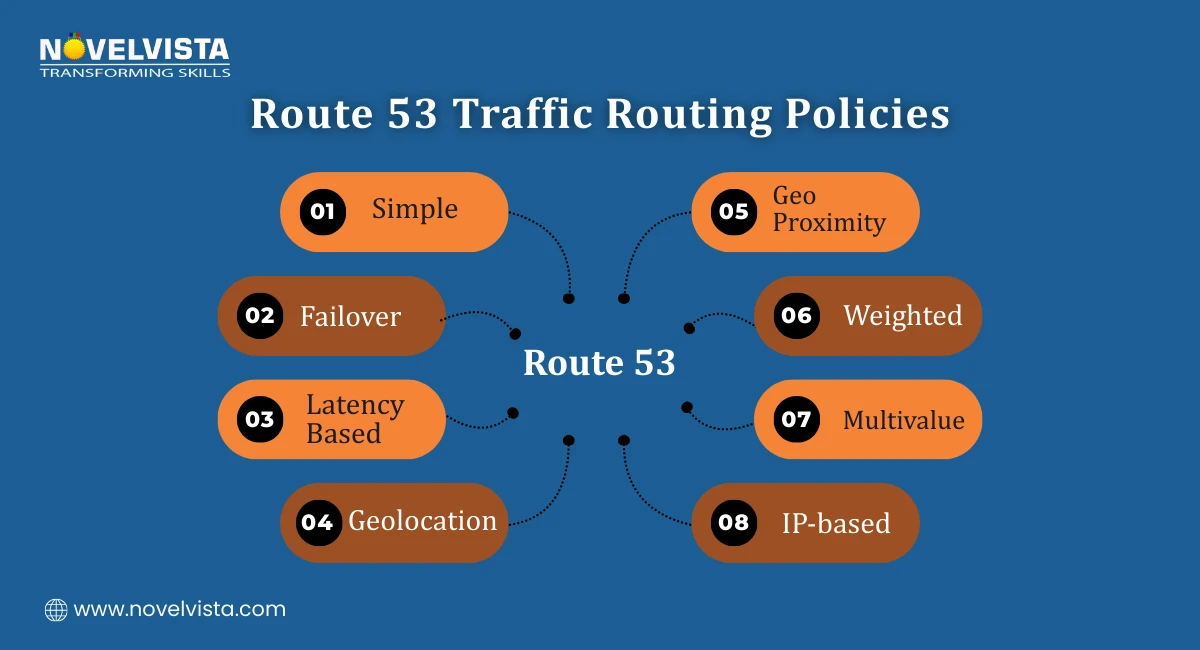
One of the strongest capabilities of Amazon Route 53 is intelligent traffic routing. Route 53 traffic routing allows you to control how users reach your applications based on rules rather than static IP mapping.
Supported routing policies include:
Simple routing
Failover routing (active-passive or active-active)
Latency-based routing
Geolocation routing
Geoproximity routing with bias
Weighted routing
Multivalue answer routing
IP-based routing
Targets can include EC2 instances, Elastic Load Balancers, S3 static websites, or on-prem endpoints. With Route 53 traffic routing, you can improve performance, control costs, and design resilient global architectures.
DNS alone isn’t enough if an application endpoint goes down. This is where Route 53 health checks add real value.
Route 53 health checks continuously monitor application endpoints using:
HTTP
HTTPS
TCP
Optional string matching for response validation
These checks run from multiple AWS locations around the world. If an endpoint fails consistently, Route 53 marks it as unhealthy.
When health checks are combined with routing policies, traffic is automatically redirected away from failed endpoints. This makes Route 53 health checks a key part of high-availability and disaster recovery designs.
Health checks also integrate with:
Failover routing policies
Weighted routing
CloudWatch alarms
They even support monitoring private resources inside VPCs when configured correctly. This automation removes the need for manual DNS updates during outages.
When teams adopt Amazon Route 53, they usually do it for reliability first. But the benefits extend far beyond uptime.
Key benefits include:
Fast, low-latency DNS responses using global anycast
Built-in redundancy without managing DNS servers
Intelligent traffic control across regions and endpoints
Automated failover using routing policies and health checks
These strengths make Amazon Route 53 ideal for several real-world scenarios.
Common use cases:
Global web applications serving users across continents
Multi-region architectures with active-active or active-passive setups
Hybrid cloud deployments integrating on-prem and AWS resources
Disaster recovery strategies using DNS-based failover
Because AWS Route 53 scales automatically, teams don’t need to plan capacity or manage DNS infrastructure as traffic grows.
Learn how Route 53 actually fits into real AWS architectures,
design DNS for availability, failover, and multi-region
resilience without silent failure points.
In cloud-native designs, DNS is no longer just a lookup service. It becomes part of traffic management, resilience, and security.
Amazon Route 53 fits naturally into architectures that use:
Using DNS-based routing reduces dependency on a single region or endpoint. This design approach improves fault tolerance while keeping the architecture simple.
For organizations running mission-critical workloads, Route 53 functionalities help achieve availability goals without adding operational complexity.
It’s easy to underestimate DNS until something breaks. AWS Route 53 brings DNS, traffic routing, and monitoring together in one managed service.
To recap:
It reliably translates domain names into IP addresses
It intelligently routes traffic based on performance, location, and health
It automatically handles failover during outages
It scales globally without manual effort
For modern cloud environments, Amazon Route 53 acts as a control layer between users and infrastructure. Its automation, global reach, and deep AWS integration make it a backbone service rather than an optional add-on.
Amazon Route 53 is more than a DNS service. It combines name resolution, traffic management, and health monitoring into a single platform designed for scale.
A well-designed DNS strategy using Route 53 improves not only uptime, but also architectural clarity, making systems easier to scale, audit, and operate over time.
Whether you’re running a small application or a global system, Amazon Route 53 helps ensure users always reach the right endpoint at the right time. Its reliability and flexibility make it a foundational service for cloud-native and hybrid architectures alike.
Next Step: Build AWS Architecture Skills That Go Beyond DNS
If you want to design resilient, scalable AWS architectures with confidence, understanding services like Amazon Route 53 is essential. NovelVista’s AWS Solution Architect – Associate Certification Training focuses on real-world design patterns, routing strategies, high availability, and disaster recovery. The program helps you connect services like Route 53, load balancing, and compute into complete, exam-ready architectures you can actually use on the job.
Author Details

Course Related To This blog
AWS Solution Architect Associates
Confused About Certification?
Get Free Consultation Call
Stay ahead of the curve by tapping into the latest emerging trends and transforming your subscription into a powerful resource. Maximize every feature, unlock exclusive benefits, and ensure you're always one step ahead in your journey to success.