Category | CLOUD and AWS
Last Updated On 13/01/2026
Cloud cost optimization has become a boardroom conversation. According to Flexera’s State of the Cloud Report, over 80% of organizations say managing cloud spend is their top challenge, and AWS customers alone waste millions annually due to poor pricing choices. The irony? AWS provides multiple pricing models, but choosing the wrong one can quietly drain budgets month after month.
This is where understanding AWS Spot Instances vs. On-Demand vs. Reserved becomes critical.
Should you pay for flexibility? Commit to discounts? Or gamble (strategically) for massive savings? More importantly, who is each option actually for? Startups? Enterprises? DevOps teams running unpredictable workloads?
In this guide, we’ll break down AWS pricing in simple, practical terms, no marketing fluff, no unrealistic promises. By the end, you’ll know exactly how to select the optimal cost strategy based on how your workloads behave in the real world.
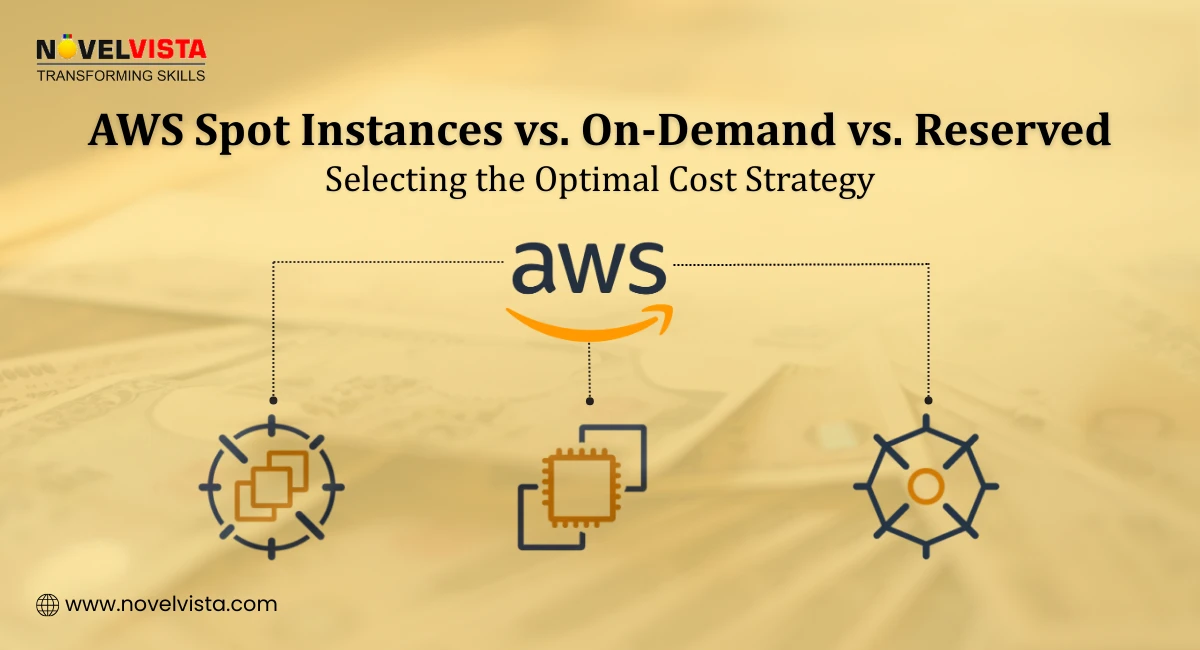
AWS pricing isn’t complicated; it’s contextual. The right pricing model depends largely on how predictable, business-critical, and interruptible your workload is. To support different usage patterns, AWS offers three primary compute pricing options: On-Demand Instances, Reserved Instances, and Spot Instances. Each of these models is designed for a specific type of workload behavior, from short-term flexibility to long-term stability and cost optimization. Understanding how these options differ is the foundation of smart cloud economics and sits at the heart of effective AWS Spot Instances vs. On-Demand vs. Reserved decision-making.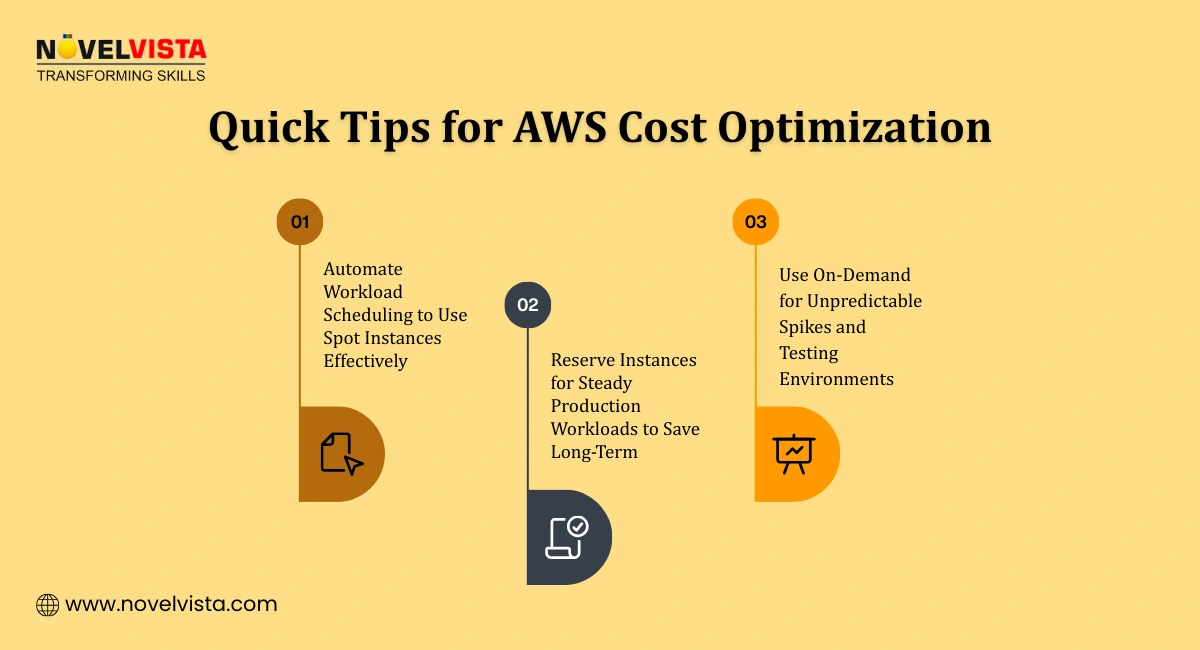
AWS On-Demand instances let you pay for compute capacity by the second or hour, with no long-term commitment. You spin up resources when needed and shut them down when you’re done.
When AWS On Demand makes sense is in scenarios where flexibility and immediacy matter more than long-term cost optimization. AWS On-Demand is ideal for short-term or unpredictable workloads where usage patterns are difficult to forecast, as well as for development and testing environments that are frequently started, stopped, or modified. It is also a strong fit for proof-of-concept projects that need quick deployment without commitment, and for applications that experience sudden or irregular traffic spikes, where scaling instantly is more important than locking into reserved capacity.
The key advantages of AWS On Demand lie in its unmatched flexibility and simplicity. With AWS On-Demand, you can scale resources up or down instantly without any upfront payment, making it easy to respond to changing workload requirements. There is also no long-term lock-in, allowing teams to experiment, deploy, or shut down environments freely without being tied to contracts or usage commitments.
The primary limitations of AWS On-Demand are closely tied to cost control. AWS On-Demand has the highest cost per unit compared to other pricing models, which can quickly inflate cloud bills if used continuously. Because it offers unlimited flexibility and no commitment, it is also easy for teams to overuse resources and overspend, especially when instances are left running longer than necessary or not regularly monitored.
In the AWS Spot Instances vs. On-Demand comparison, On-Demand wins on simplicity, but loses on cost efficiency.
Many AWS users ask: What are AWS Reserved Instances? In simple terms, Reserved Instances (RIs) offer significant discounts (up to ~72%) in exchange for committing to a specific instance type for 1 or 3 years.
Types of Reserved Instances
Best Use Cases
Pros
Cons
When evaluating AWS On-Demand vs. Reserved, Reserved Instances are clearly superior for predictable workloads. Boost your cloud knowledge and prepare for AWS Interview Questions by understanding Spot, On-Demand, and Reserved Instances.
AWS Spot Instances allow you to use unused AWS capacity at discounts of up to 90%. The trade-off? AWS can reclaim these instances with little notice.
How AWS Spot Instances work is based on using spare AWS compute capacity at significantly reduced prices. With this, you request unused capacity from AWS, and the platform fulfills that request when the capacity is available in the chosen region and instance type. However, because this capacity is not guaranteed, it may be interrupted if AWS needs the resources back, making them best suited for workloads that can handle interruptions without impacting overall performance.
Ideal workloads for AWS Spot Instances are those that can tolerate interruptions and are designed to be resilient. It works especially well for batch processing jobs, CI/CD pipelines, and data analytics tasks where work can pause and resume without data loss. They are also commonly used for media rendering and other compute-intensive processes, as well as for fault-tolerant applications that can automatically recover or redistribute tasks when an instance is interrupted.
The main strengths of AWS Spot Instances lie in their cost efficiency and scalability. It offers massive cost savings compared to On-Demand or Reserved Instances, making it an attractive option for organizations looking to optimize cloud spend. Additionally, they are excellent for scalable workloads, allowing teams to run large, compute-intensive tasks or expand capacity quickly without incurring the high costs associated with traditional On-Demand resources.
The primary risks of AWS Spot Instances stem from their interruptible nature. Because it can be reclaimed by AWS at any time, there is always a possibility of interruption, which can impact workloads that are not designed for it. Using Spot Instances effectively, therefore, requires architecture resilience, including strategies for fault tolerance, workload redistribution, and automated recovery to ensure business continuity despite sudden instance termination.
In the broader AWS Spot Instances vs. On-Demand vs. Reserved discussion, Spot is the most cost-efficient, but also the most misunderstood.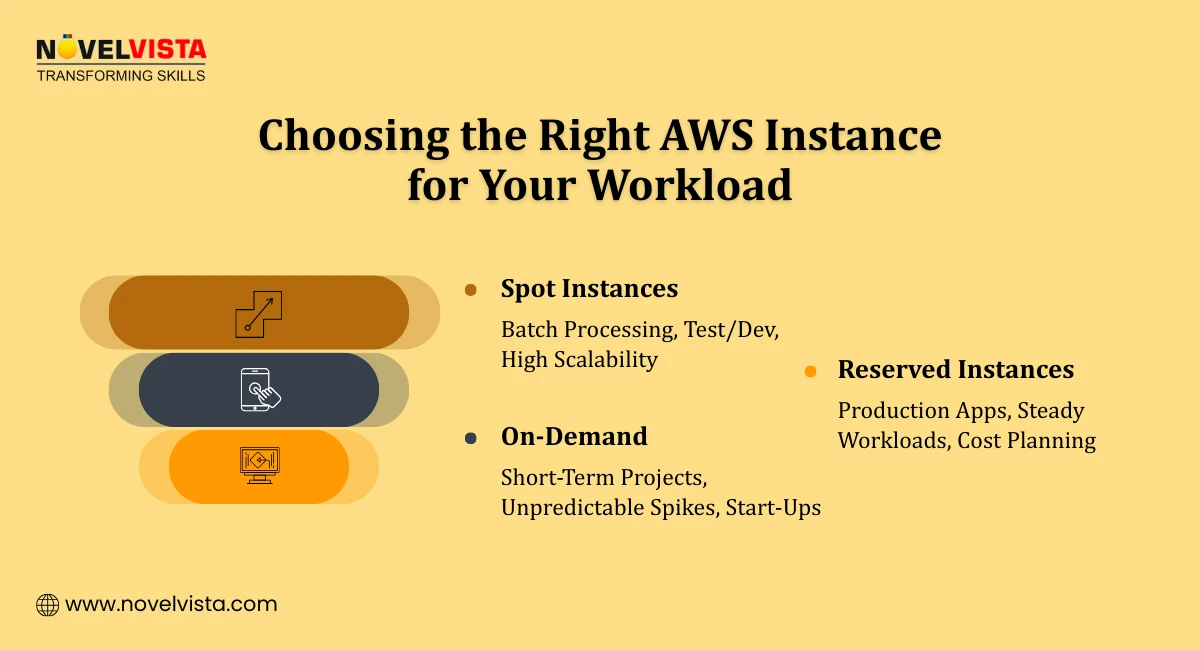
This comparison is often about risk vs. flexibility.
If downtime is acceptable, AWS Spot Instances often outperform On-Demand financially.
This choice boils down to commitment vs. agility.
For stable production systems, AWS On-Demand vs. Reserved almost always favors Reserved Instances.
| Factor | On-Demand | Reserved | Spot |
| Cost | High | Medium-Low | Very Low |
| Commitment | None | 1–3 Years | None |
| Reliability | High | High | Variable |
| Best For | Short-term | Steady workloads | Fault-tolerant tasks |
This table highlights why AWS Spot Instances vs. On-Demand vs. Reserved isn’t about choosing one, but combining them intelligently. Understanding Spot, On-Demand, and Reserved Instances is a key step toward boosting your skills and accelerating your AWS Career Growth.
The smartest AWS users don’t pick one pricing model; they blend all three.
This layered approach delivers both resilience and savings.
Purchasing Reserved Instances without usage analysis
Using Spot Instances for critical workloads
Ignoring auto-scaling and rightsizing
Avoiding these mistakes alone can cut AWS spend by 20–40%.
Choosing between AWS Spot Instances vs. On-Demand vs. Reserved is not about chasing the cheapest option; it’s about aligning cost with workload behavior. On-Demand gives flexibility, Reserved brings predictability, and Spot unlocks unmatched savings when used correctly.
Organizations that master this balance don’t just save money; they build scalable, resilient, and financially sustainable cloud environments.
Ready to take your cloud expertise to the next level?
Join NovelVista’s AWS Solutions Architect Associate Certification Training and gain hands-on experience designing scalable AWS architectures, prepare confidently for the certification exam, and accelerate your cloud career growth. This course also provides real-world case studies and practical exercises to strengthen your understanding of AWS services. By the end of the program, you’ll be equipped to make informed decisions about cloud cost optimization, including Spot, On-Demand, and Reserved Instances. Start your AWS journey today!
Author Details

Course Related To This blog
AWS Solution Architect Associates
Confused About Certification?
Get Free Consultation Call
Stay ahead of the curve by tapping into the latest emerging trends and transforming your subscription into a powerful resource. Maximize every feature, unlock exclusive benefits, and ensure you're always one step ahead in your journey to success.