Category | IT Service Management
Last Updated On 02/02/2026
When you work in IT long enough, one thing becomes painfully clear: change is constant—but chaos shouldn’t be. Every upgrade, patch, feature release, or quick fix carries consequences. According to industry research, nearly 80% of service outages are caused by poorly executed changes, and businesses worldwide lose billions every year because of mismanaged IT transitions.
That’s exactly why understanding ITIL Change Types is no longer optional—it’s mission-critical.
If you’ve ever wondered What’s the difference between a Standard, Normal, and Emergency change? How do I classify them? Why does ITIL put so much emphasis on change control? — you’re in the right place.
This guide breaks down all Types of Change in ITIL, explains how organizations use them in real life, and helps you build a change culture that protects uptime, quality, and customer trust.
Before we dive into the specifics, let’s clarify the core idea. ITIL Change Types are predefined categories within ITIL Change Management that help organizations classify, control, and manage changes based on their risk and impact.
In modern IT environments—cloud, DevOps, automation, hybrid infrastructures—the number of changes teams handle has skyrocketed. Without a proper system to identify change complexity and risk, even a small update can trigger a major outage.
That’s where ITIL Change Management Types come in. They ensure:
It creates a structured, standardized, repeatable way to handle change.
IT complexity is at an all-time high. Businesses rely on hundreds of applications, multi-cloud strategies, remote work, and continuous deployment pipelines. With this growing complexity comes growing risk.
Some facts:
Understanding and applying ITIL Change Types protects teams from unnecessary disruptions and ensures every change follows the right governance level.
These classifications make it easier to balance agility with stability—something every modern IT team struggles with. As many professionals explore ITIL training to improve their change management skills, one common question that arises is the Cost of ITIL 4 Certification and how this investment supports long-term career growth and stronger ITSM practices.
Let’s break down all Types of Change in ITIL in the simplest and clearest way.
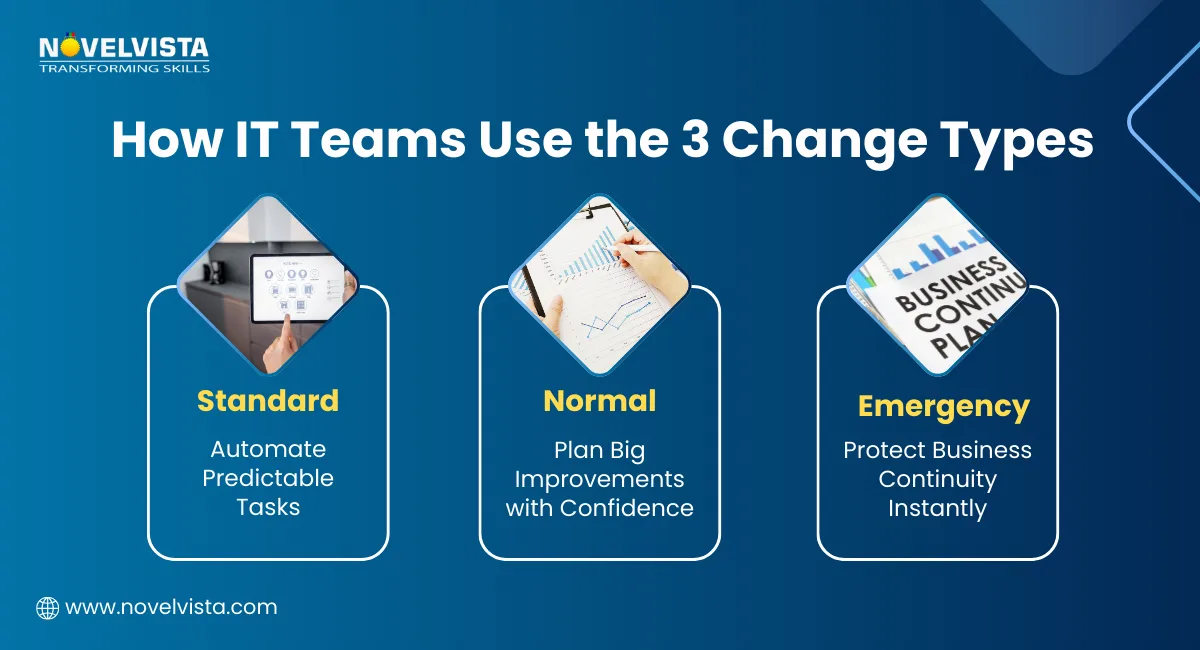
A Standard Change is a low-risk, repeatable, and pre-approved activity within ITIL Change Types, designed to streamline routine IT operations. Because it follows a well-documented, tested, and predictable procedure, it does not require CAB involvement every time. These changes are frequent, based on repeatable tasks, and quick to deploy—making them ideal for improving efficiency and reducing unnecessary approval cycles within ITIL Change Management Types.
Examples of Standard Change
Use it when:
In modern ITSM tools, Standard Changes are often automated end-to-end, improving speed and efficiency.
A Normal Change is any modification that doesn’t qualify as a standard or emergency change within ITIL Change Types. Because it carries medium to high risk, it requires a full assessment, detailed risk analysis, CAB approval, proper scheduling, testing, and thorough documentation. These changes often involve cross-team coordination and follow the complete change lifecycle, making them a core part of ITIL Change Management Types for impactful or non-routine updates.
Examples of Normal Change
Use Normal Change when:
This is the most common of all ITIL Change Management Types because most business-impacting changes fall here.
Normal changes require the most oversight, but they don't have to be a bottleneck. By pursuing an ITIL (Version 5) Certification, you’ll master the modernized 2026 strategies for risk assessment and governance that allow your organization to implement significant updates with greater speed and less friction.
An Emergency Change is executed to resolve critical issues such as outages, security vulnerabilities, or major service failures, making it one of the most time-sensitive categories in ITIL Change Types. Because these changes carry both high urgency and high risk, they are implemented as quickly as possible with minimal upfront documentation. Approval typically comes from the ECAB (Emergency CAB), and a full review is conducted after deployment to ensure control and prevent recurrence—an essential part of managing ITIL Change Management Types effectively.
Examples of Emergency Change
Only when the business cannot afford delay.
These changes happen fast but are always reviewed afterward to prevent recurrence.
Here’s a simple comparison to help classify ITIL Change Types Standard Normal Emergency in real-world situations:
Feature |
Standard Change |
Normal Change |
Emergency Change |
Risk Level |
Low |
Medium–High |
Very High |
Approval |
Pre-approved |
CAB |
ECAB / Immediate |
Speed |
Fast |
Moderate–Slow |
Immediate |
Documentation |
Minimal |
Full lifecycle |
Post-implementation |
Examples |
New User Access |
Server Upgrade |
Outage Fix |
This clarity ensures teams don’t misclassify changes—one of the most common ITIL mistakes.
Understanding the categories is just the start. To truly strengthen your change process, follow these practical tips:
In ITIL Change Types, automation helps eliminate manual effort for predictable, low-risk tasks. Using workflows and scripts ensures faster execution, fewer errors, and consistent delivery. It also frees your team to focus on higher-impact work.
A unified change calendar prevents deployment collisions and resource conflicts across teams. It offers full visibility into all Types of Change in ITIL, helping everyone plan smarter and avoid unnecessary downtime.
A strong CAB ensures well-informed, high-quality decisions for ITIL Change Management Types like Normal Changes. Regular reviews, structured agendas, and clear evaluation criteria reduce risk and improve process consistency.
Modern ITSM tools use AI to analyze historical failures and predict risk for upcoming changes. This improves classification accuracy across ITIL Change Types, helping teams choose the right approach before implementation.
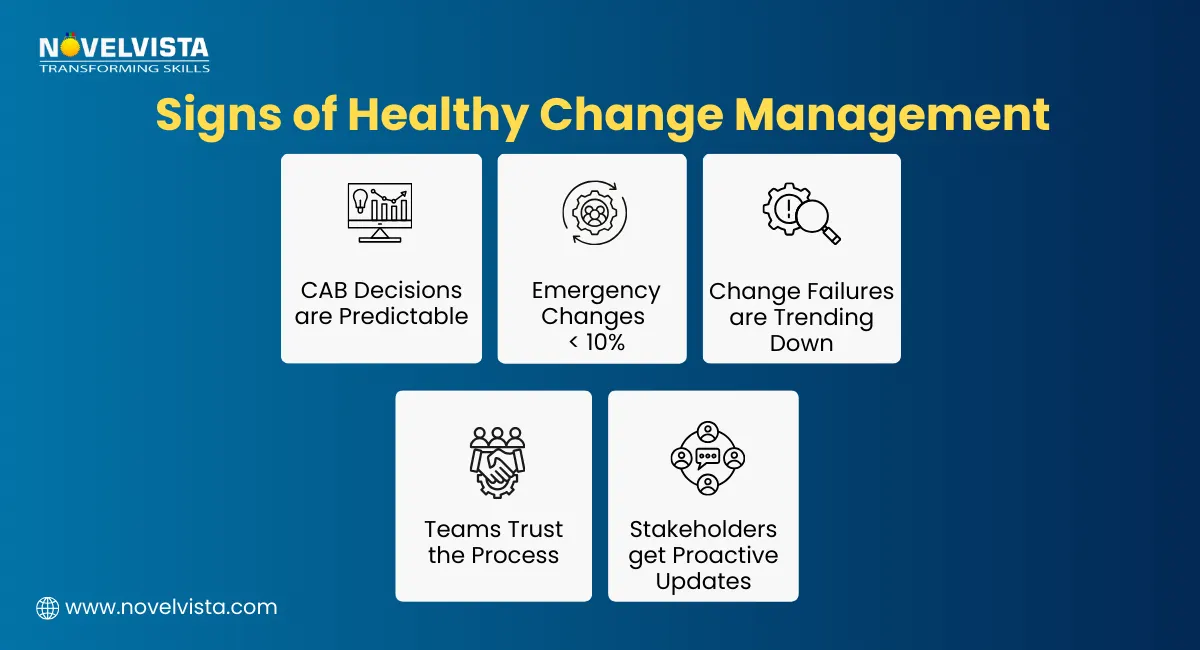
Monitoring KPIs ensures your change process is healthy and evolving.
Change Success Rate shows overall stability, Emergency Change Ratio highlights process maturity, MTTR measures recovery speed, and Incident Correlation reveals which changes trigger issues.
Transparent communication keeps stakeholders aligned before, during, and after change execution. Sharing updates about all major ITIL Change Management Types helps reduce confusion, set expectations, and ensure smoother deployments. As organizations modernize their change workflows, adopting the right ITIL Software becomes essential for automating approvals, tracking risks, and ensuring every ITIL Change Type is executed with accuracy and consistency.
Even experienced teams fall into these traps:
Avoiding these ensures reliability and smoother operations.
Mastering ITIL Change Types is essential for any organization aiming to balance agility with stability. By understanding how Standard, Normal, and Emergency changes work—and when to use each—you reduce risk, increase uptime, and create a predictable IT environment that supports business growth. To truly measure the effectiveness of your change process, IT teams must monitor ITIL Metrics and KPIs, ensuring every change—whether Standard, Normal, or Emergency—contributes to higher stability and continuous improvement.
Whether you’re preparing for certification, strengthening your ITSM processes, or training your team, these Types of Change in ITIL form the foundation of effective change control. Get them right, and you protect not just systems—but trust, performance, and long-term success.

Join NovelVista’s ITIL 4 Foundation Certification Training and gain a clear understanding of modern ITIL practices, real-world change workflows, and the principles behind stable and efficient IT services. Designed for ITSM professionals, CAB members, DevOps teams, and aspiring IT leaders, this course equips you with the skills you need to classify changes correctly, reduce risk, and support continuous service improvement.
Start your ITIL 4 journey today and build the foundation for smarter, safer, and more predictable IT change management!
Author Details

Course Related To This blog
ITIL4 Specialist Monitor Support and Fulfil Certification
ITIL4 Specialist Acquiring & Managing Cloud Services
ITIL 4 Specialist Sustainability in Digital & IT
ITIL® 4 Strategic Leader Digital And IT Strategy (DITS)
ITIL® 4 Specialist Drive Stakeholder Value
ITIL® 4 Specialist High Velocity IT
ITIL® 4 Strategist Direct, Plan & Improve
ITIL® 4 Specialist Create Deliver & Support
ITIL® 4 Foundation Certification
Confused About Certification?
Get Free Consultation Call
Stay ahead of the curve by tapping into the latest emerging trends and transforming your subscription into a powerful resource. Maximize every feature, unlock exclusive benefits, and ensure you're always one step ahead in your journey to success.