
Red Hat OpenShift Developer II: Building Kubernetes Applications (DO288) Course
- Duration: 40 Hours
- Exam Voucher: Yes
- Language: English
- Course Delivery : E - Learning Access

4.9 Ratings on Google
9000+
Professionals Enrolled
Course Overview
The Red Hat OpenShift Developer II: Building Kubernetes Applications (DO288) Course equips developers, architects, and site reliability engineers with the skills needed to design, build, publish, and deploy container‑native applications using the Red Hat OpenShift Container Platform. The curriculum emphasizes advanced application workflows including image builds, deployment management, health checks, and CI/CD pipeline integration. Through hands‑on exercises and real developer scenarios, learners gain the ability to manage cloud‑native applications at scale within Kubernetes‑orchestrated environments.
Enquire Now
Course Details
- Master containerized application development and deployment on OpenShift
- Build and publish container images using OpenShift build workflows
- Learn to manage application builds, templates, and deployment strategies
- Deploy multi container applications using tools like Helm and Kustomize
- Implement health checks to improve application reliability
- Integrate CI/CD workflows using OpenShift Pipelines and automation tools
- Strengthen readiness for the EX288 certification and cloud native development roles
- Suitable for software developers, site reliability engineers, DevOps practitioners, and application architects
- Recommended: Red Hat OpenShift Development I: Introduction to Containers with Podman (DO188) or equivalent foundational container knowledge
- Familiarity with basic Linux command line usage and Kubernetes fundamentals enhances the learning experience
- No mandatory prior certification required, though RHCSA or higher is helpful for navigating concepts effectively
- Explain Red Hat OpenShift architecture and developer environment setup
- Deploy applications to OpenShift clusters using CLI and web console interfaces
- Create and publish container images to enterprise or integrated registries
- Manage and trigger builds via OpenShift Source to Image (S2I) workflows
- Customize build base images for tailored application needs
- Deploy and manage multi container applications using Helm charts and Kustomize
- Implement application health checks and monitoring strategies
- Build CI/CD pipelines using OpenShift Pipelines for automated workflows
- OpenShift Fundamentals for Developers: Architecture, terminology, and environment setup
- Deploying Applications: Deploying simple and complex applications on OpenShift
- Building and Publishing Container Images: Image creation, registry use, and lifecycle management
- Managing Builds: Source to Image (S2I), build configurations, and build triggers
- Multi Container Application Strategies: Helm charts, Kustomize overlays, and templates
- Application Health and Reliability: Probes, health checks, and monitoring techniques
- CI/CD Integration: Using OpenShift Pipelines to automate build and deployment workflows
- Troubleshooting Deployment Challenges: Identifying and resolving common application issues
10+ Years of Bringing Enterprise Leaders Together
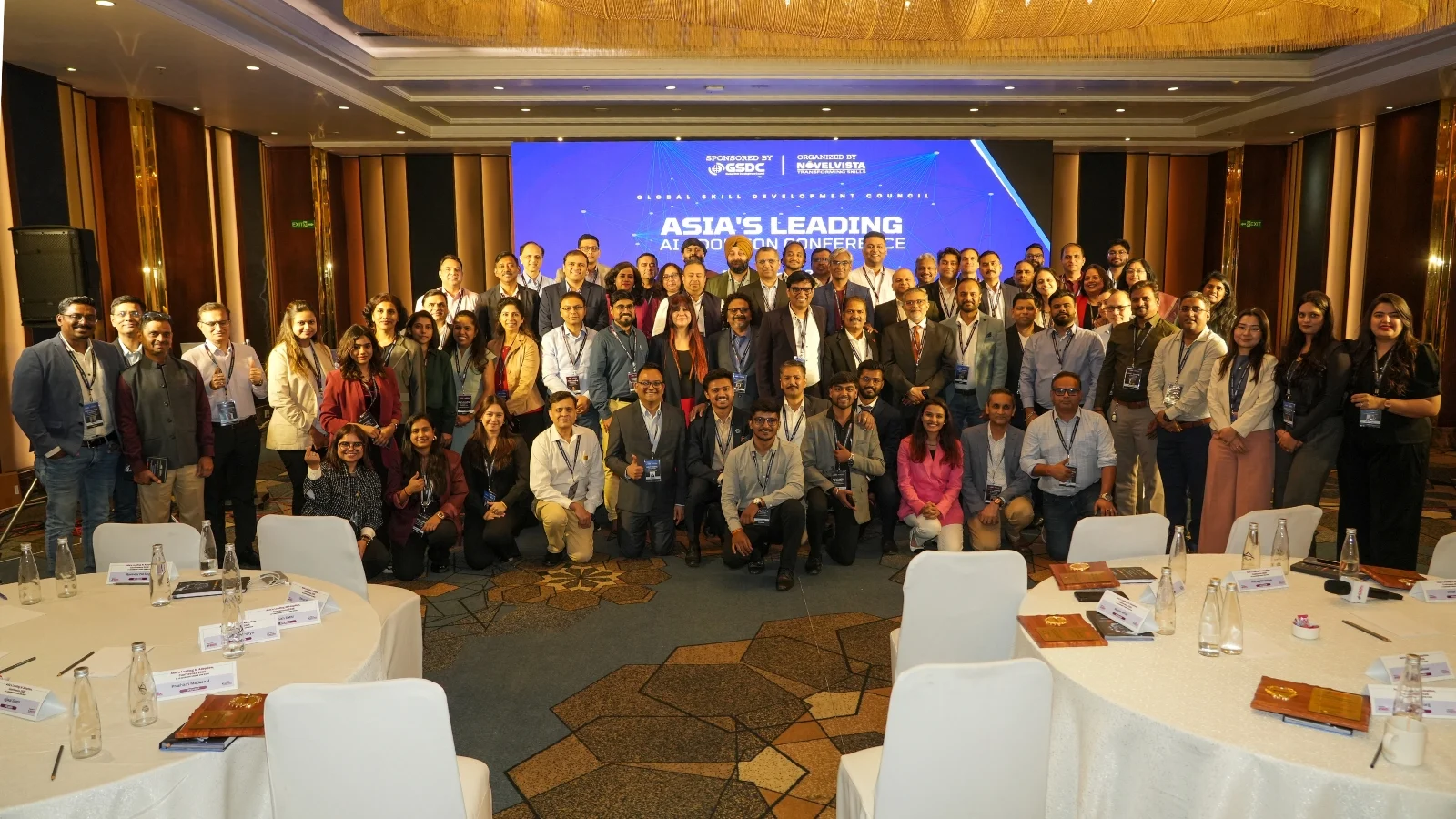
For over a decade, NovelVista takes pride in bringing together technology executives, L&D leaders, and business decision-makers to exchange ideas, share best practices, and explore the trends shaping the future of work—from AI adoption and digital transformation to workforce capability and leadership.
- Exclusive conversations with leaders driving enterprise change.
- Real-world insights from organisations solving today's toughest business challenges.
- A natural extension of your corporate learning journey, connecting training with industry best practices.
- A community dedicated to building future-ready teams and high-performing organisations.


What Our Corporate Clients Say
Trusted by leading organizations worldwide