
Configure and Operate Microsoft Azure Virtual Desktop Course
- Duration: 4 days
- Exam Voucher: Yes
- Language: English
- Course Delivery : E - Learning Access

4.9 Ratings on Google
9000+
Professionals Enrolled
Course Overview
The Configure and Operate Microsoft Azure Virtual Desktop Course delivers comprehensive training for IT professionals responsible for delivering secure virtual desktop and application experiences using Azure. Participants gain a structured understanding of Azure Virtual Desktop components and operational workflows, from initial planning and deployment to ongoing monitoring and optimization. The course emphasizes real-world operational readiness, enabling learners to provide reliable, scalable, and cost-effective virtual desktop services.
Enquire Now
Course Details
- Build practical skills in deploying and operating Azure Virtual Desktop.
- Understand AVD architecture and core components.
- Learn to configure host pools, session hosts, and user access.
- Gain hands-on experience managing user profiles and applications.
- Improve reliability through monitoring, troubleshooting, and optimization.
- Establish a strong foundation for advanced cloud desktop and virtualization roles.
- Ideal for cloud administrators, desktop administrators, and IT infrastructure professionals.
- Suitable for teams delivering virtual desktops or remote application access.
- Basic knowledge of Azure, networking, and Windows administration is beneficial.
- No prerequisite certifications required for course participation.
- Plan and deploy Azure Virtual Desktop environments.
- Configure host pools, session hosts, and workspace access.
- Manage user profiles, application delivery, and permissions.
- Implement networking, security, and identity integration.
- Monitor performance and troubleshoot common issues.
- Optimize costs and operational efficiency of AVD deployments.
- Azure Virtual Desktop Overview: Architecture and service components.
- Planning and Deployment: Design considerations and prerequisites.
- Host Pools and Session Hosts: Configuration and management.
- User Profiles and Applications: FSLogix concepts and app delivery.
- Identity and Access: Authentication and authorization integration.
- Networking and Security: Connectivity, protection, and best practices.
- Monitoring and Troubleshooting: Diagnostics, performance, and reliability.
- Cost Management: Optimization and operational efficiency strategies.
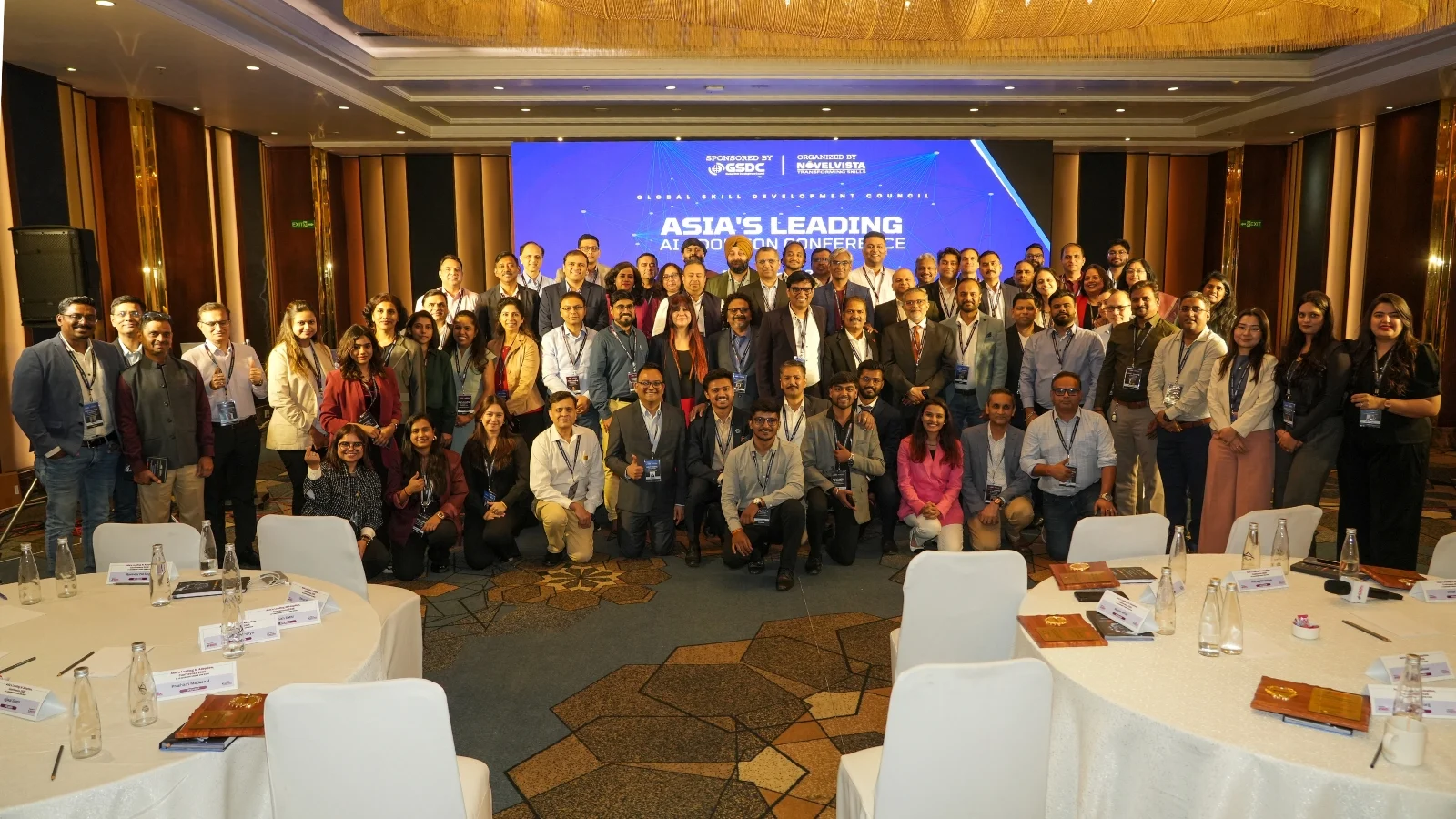
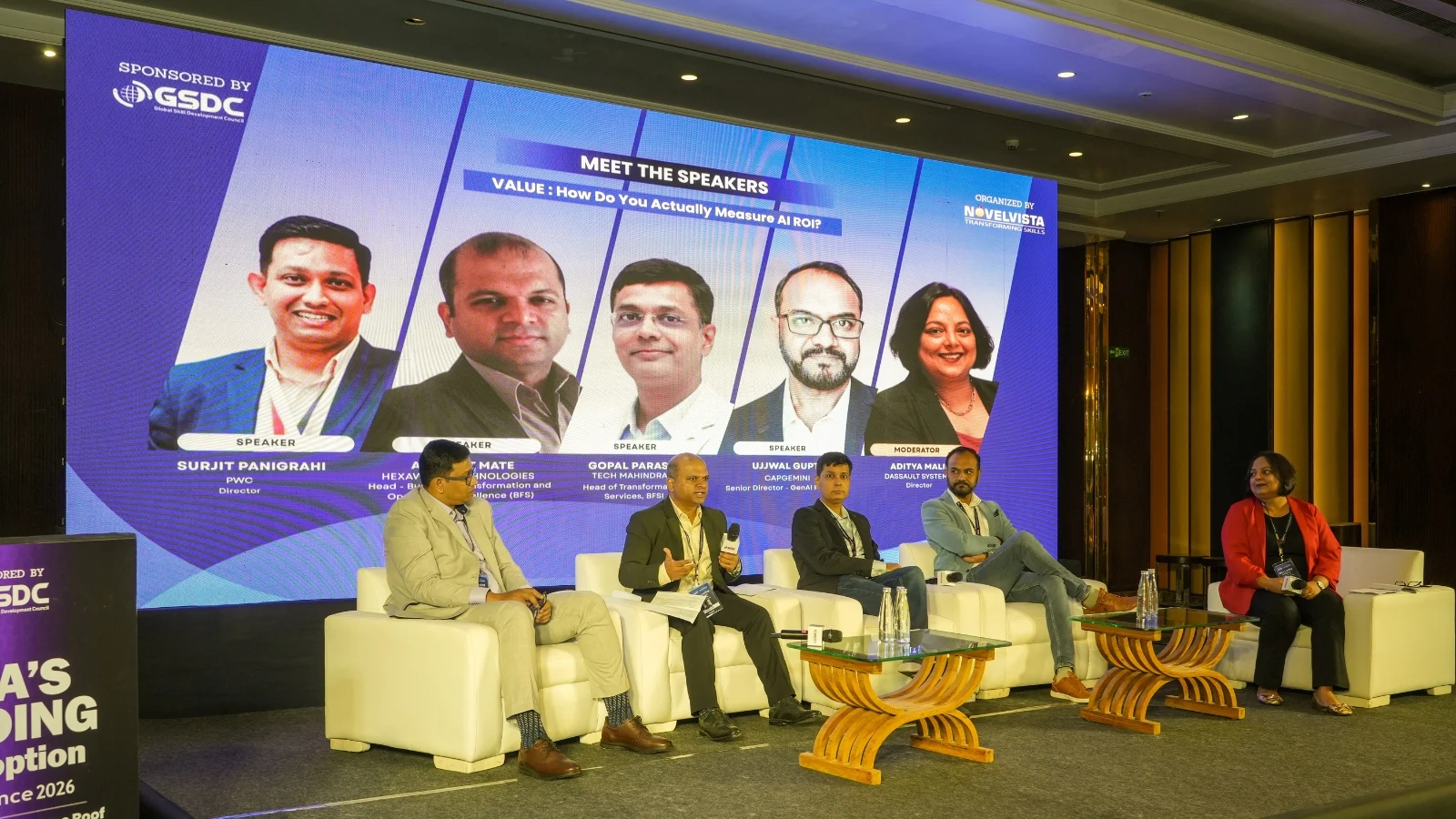
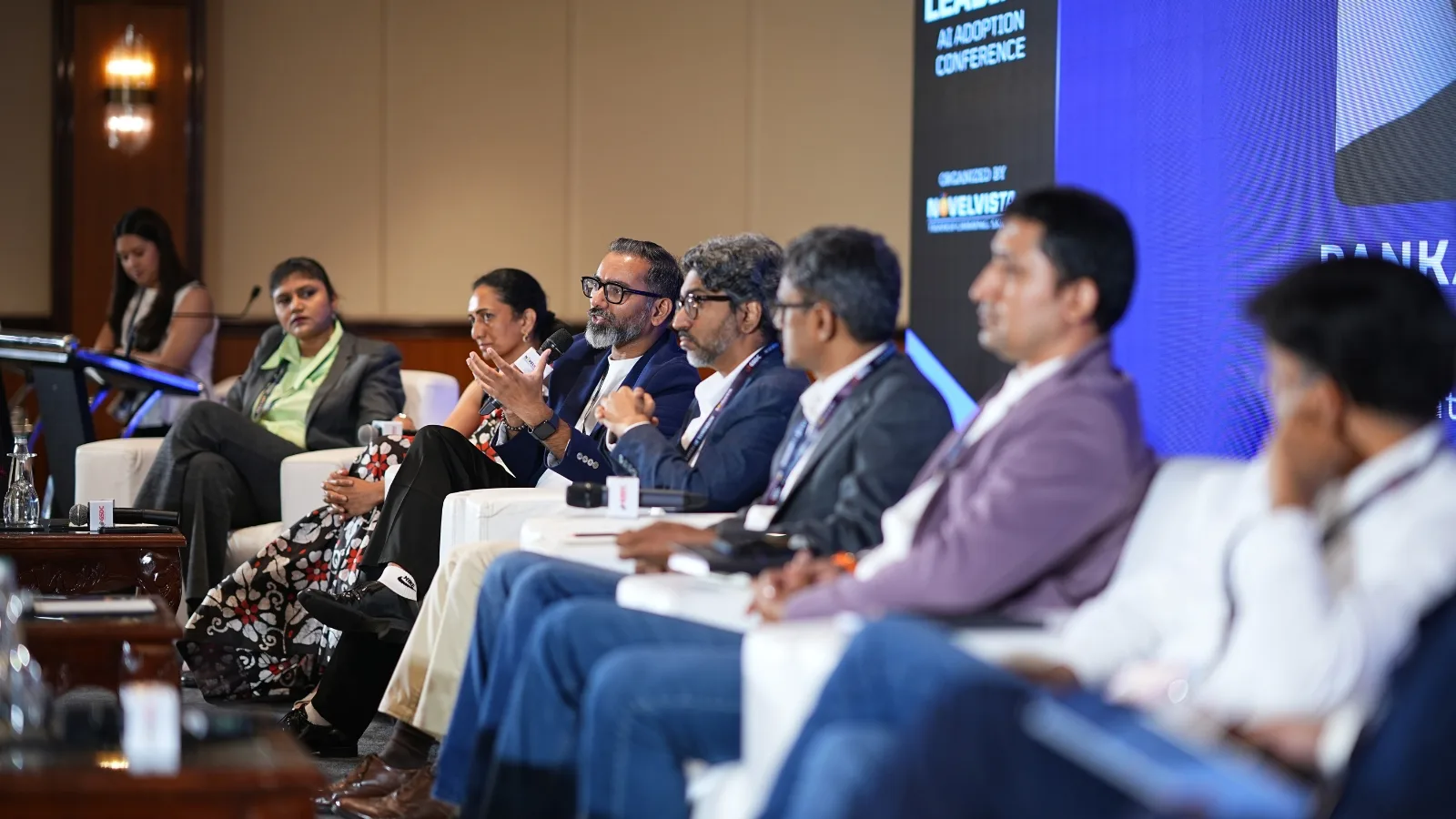
10+ Years of Bringing Enterprise Leaders Together
For over a decade, NovelVista takes pride in bringing together technology executives, L&D leaders, and business decision-makers to exchange ideas, share best practices, and explore the trends shaping the future of work—from AI adoption and digital transformation to workforce capability and leadership.
- Exclusive conversations with leaders driving enterprise change.
- Real-world insights from organisations solving today's toughest business challenges.
- A natural extension of your corporate learning journey, connecting training with industry best practices.
- A community dedicated to building future-ready teams and high-performing organisations.
What Our Corporate Clients Say
Trusted by leading organizations worldwide