
Canva AI Suite AI design - Presentation
- Duration: 7 hours
- Exam Voucher: Yes
- Language: English
- Course Delivery : E - Learning Access

4.9 Ratings on Google
9000+
Professionals Enrolled
Course Overview
The Canva AI Suite course is designed to help professionals use Canva’s AI-powered features to produce high-quality designs and presentations faster. The focus is on real business workflows—rapid ideation, content drafting, layout generation, brand consistency, and presentation storytelling—so teams can scale output without sacrificing polish.
Enquire Now
Course Details
- Accelerate design production using AI-assisted layouts, visuals, and formatting
- Improve presentation output with AI-supported slide creation, structure, and refinement
- Strengthen brand consistency by learning repeatable workflows (templates, styles, approvals)
- Reduce content bottlenecks with AI-assisted copy generation and rewriting
- Build a scalable “design ops” approach for marketing, HR, sales, and internal comms teams
- Suitable for marketing teams, business users, educators, founders, and anyone producing regular content
- Recommended: basic familiarity with Canva fundamentals (projects, templates, export/share)
- No strict prerequisites required; ideal for beginners-to-intermediate Canva users wanting AI-driven productivity
- Use Canva AI features to generate and refine designs faster
- Create professional presentations using AI-assisted structure, copy, and visuals
- Draft and improve marketing copy and internal communications with AI support
- Implement repeatable templates and workflows for team-wide consistency
- Deliver campaign-ready assets with better speed, alignment, and quality control
- Overview of Canva AI Suite and where it fits in business design workflows
- AI-assisted copywriting: drafting, rewriting, summarizing, tone adjustment
- AI-driven design generation: layouts, templates, visual ideation, creative variations
- Presentation workflows: slide structure, storytelling, visual hierarchy, brand-safe decks
- Workflow optimisation: reuse systems, team collaboration, approvals, export formats
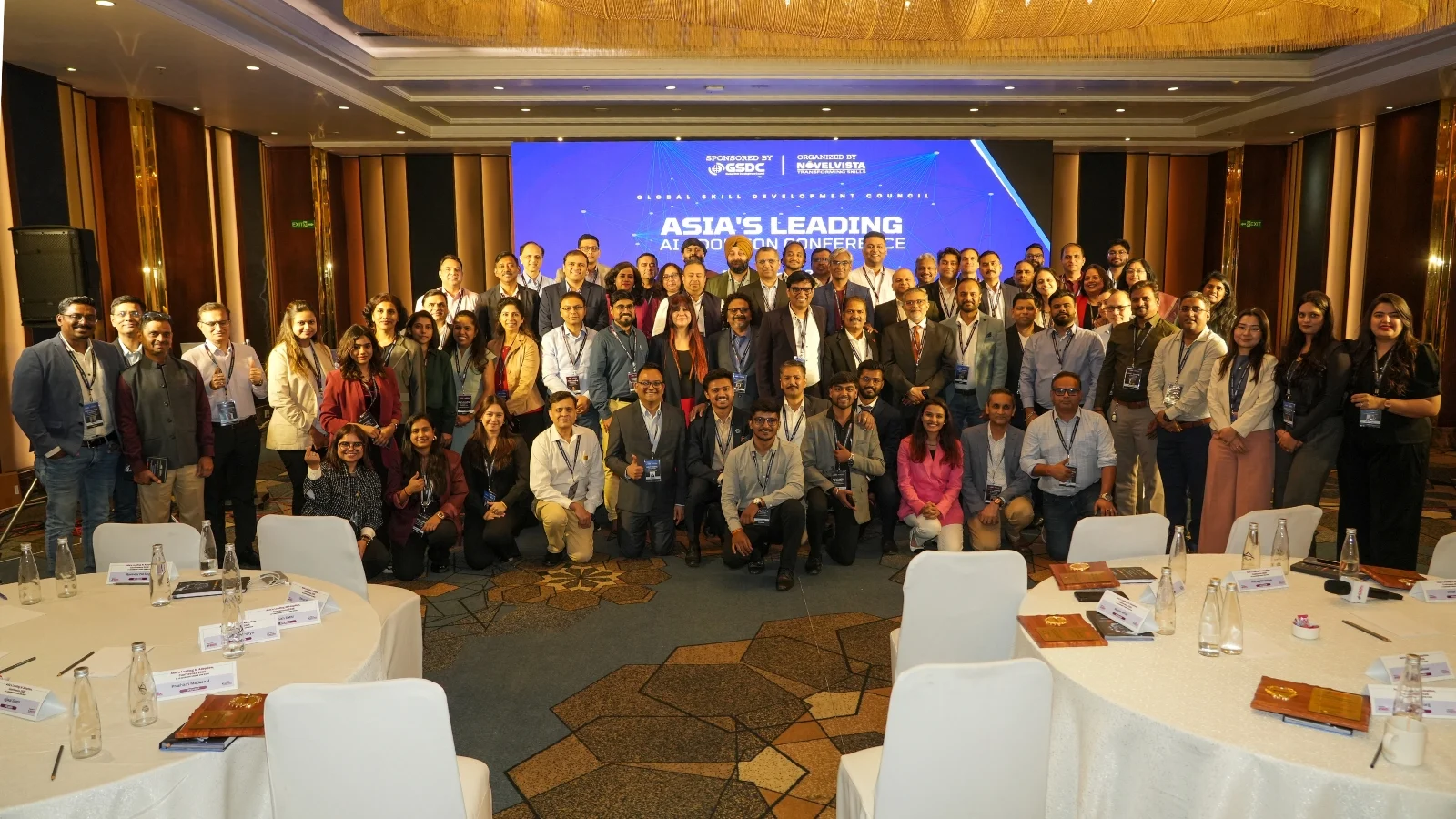
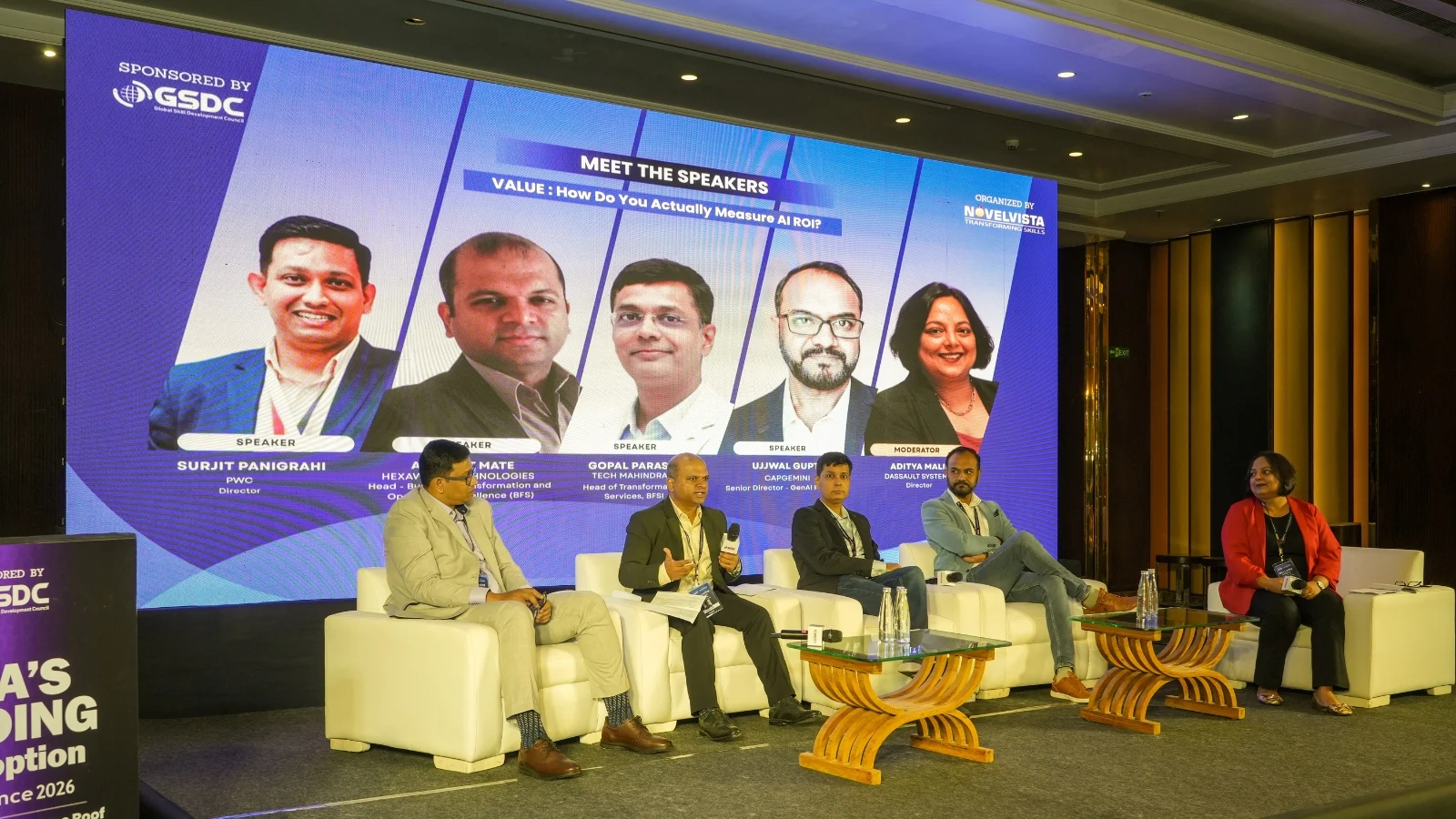
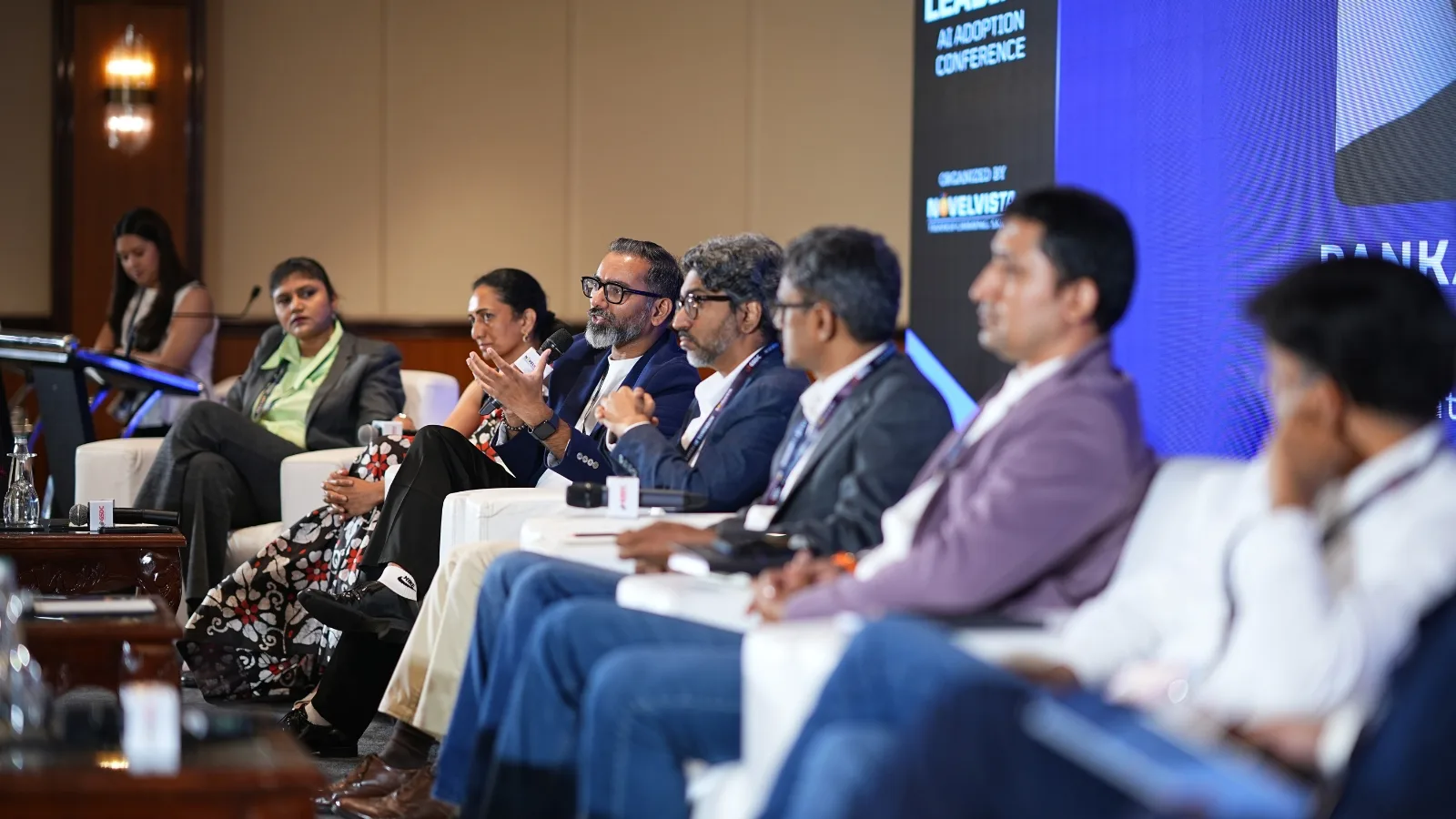
Recent Summit
10+ Years of Bringing Enterprise Leaders Together
For over a decade, NovelVista takes pride in bringing together technology executives, L&D leaders, and business decision-makers to exchange ideas, share best practices, and explore the trends shaping the future of work—from AI adoption and digital transformation to workforce capability and leadership.
- Exclusive conversations with leaders driving enterprise change.
- Real-world insights from organisations solving today's toughest business challenges.
- A natural extension of your corporate learning journey, connecting training with industry best practices.
- A community dedicated to building future-ready teams and high-performing organisations.
What Our Corporate Clients Say
Trusted by leading organizations worldwide
Frequently Asked Questions
What is Canva AI Suite used for?+
It’s used to speed up design and presentation creation—generating draft content, layouts, and creative variations, then refining for brand and quality.
Who should enroll in this course?+
Marketing, sales, HR, educators, and business teams who create regular content and want faster, more consistent output.
Do I need design experience?+
No formal design background is required. Basic Canva familiarity helps, but the course is workflow-driven and practical.
Is this focused on presentations too?+
Yes—presentation creation and improvement is a core use case for Canva AI in business workflows.
Will I get a certificate?+
Typically, provider-led training includes a completion acknowledgement/certificate (as per provider policy).